Excited to share our latest product update. Grateful to everyone who helped us get here.
Add a comment...AI
 LinkedIn Comment Assistant
A free, open-source Chrome extension that helps you generate short, relevant LinkedIn comments using your own OpenAI API key. Stay authentic, stay in control, and keep your workflow simple.
100% free to use · Open source by design · Requires your own OpenAI API key
Built for people who
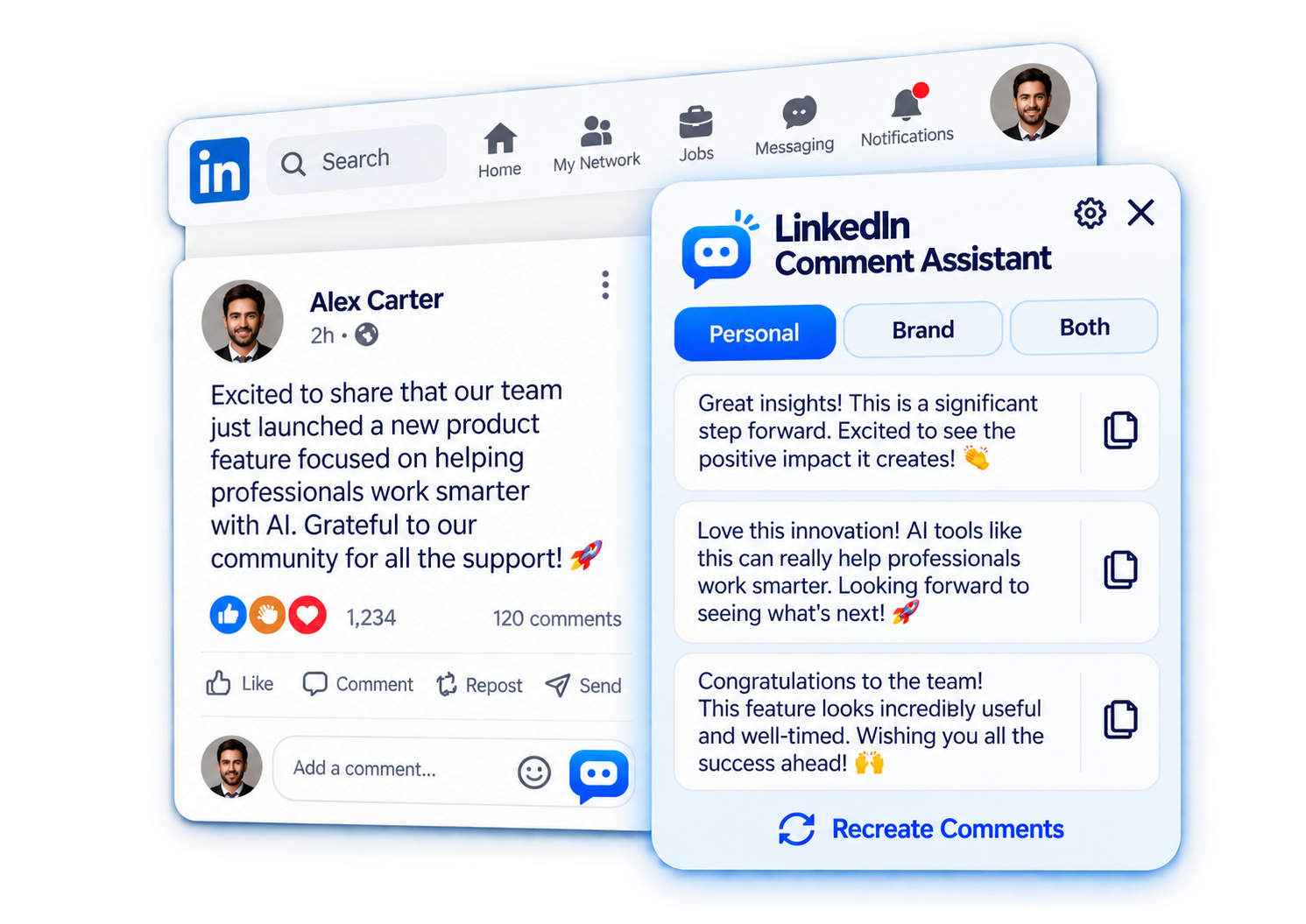
Get three different comment suggestions so you can choose the one that sounds right for you.
Use natural personal comments, brand-focused responses, or switch between both.
Add your company, products, services and preferred tone for more relevant brand comments.
Comments are generated when you open a post or tap Recreate. Choosing an option does not call OpenAI again.
Turn emojis on or off to match your personal style or brand voice.
The assistant inserts your selected suggestion into LinkedIn. You decide what gets edited and posted.
Excited to share our latest product update. Grateful to everyone who helped us get here.
LinkedIn Comment AssistantBrowse normally and find a post you want to engage with.
The assistant panel appears with suggestions for that post.
Pick one of three options. No extra OpenAI call is made when you choose.
Edit if you want, then post the comment yourself.
General comments that naturally compliment or respond to a post. No knowledge base needed.
Simple & naturalUse your knowledge base to create comments that can mention your company, products, services and brand voice.
Brand-awareSwitch between Personal and Brand Marketing comments directly from the assistant panel.
FlexibleLinkedIn Comment Assistant is designed around your own OpenAI API key. Post text is sent to OpenAI when you request comment generation. We do not operate a server that stores your posts or API key.
Read the full Privacy Policy →Stay visible without writing every comment from scratch.
Join more conversations around ideas that matter to you.
Bring a consistent brand voice to relevant conversations.
Engage thoughtfully with prospects and industry discussions.
Open source, free to use, and built to help you comment faster without locking you into a paid platform.
Get it free ↗100% free app · Open source project · OpenAI usage is billed directly by OpenAI